New Nintendo 3DS IPS or TN display, how to tell
By Vincenzo Migliore Updated on 4-minute read
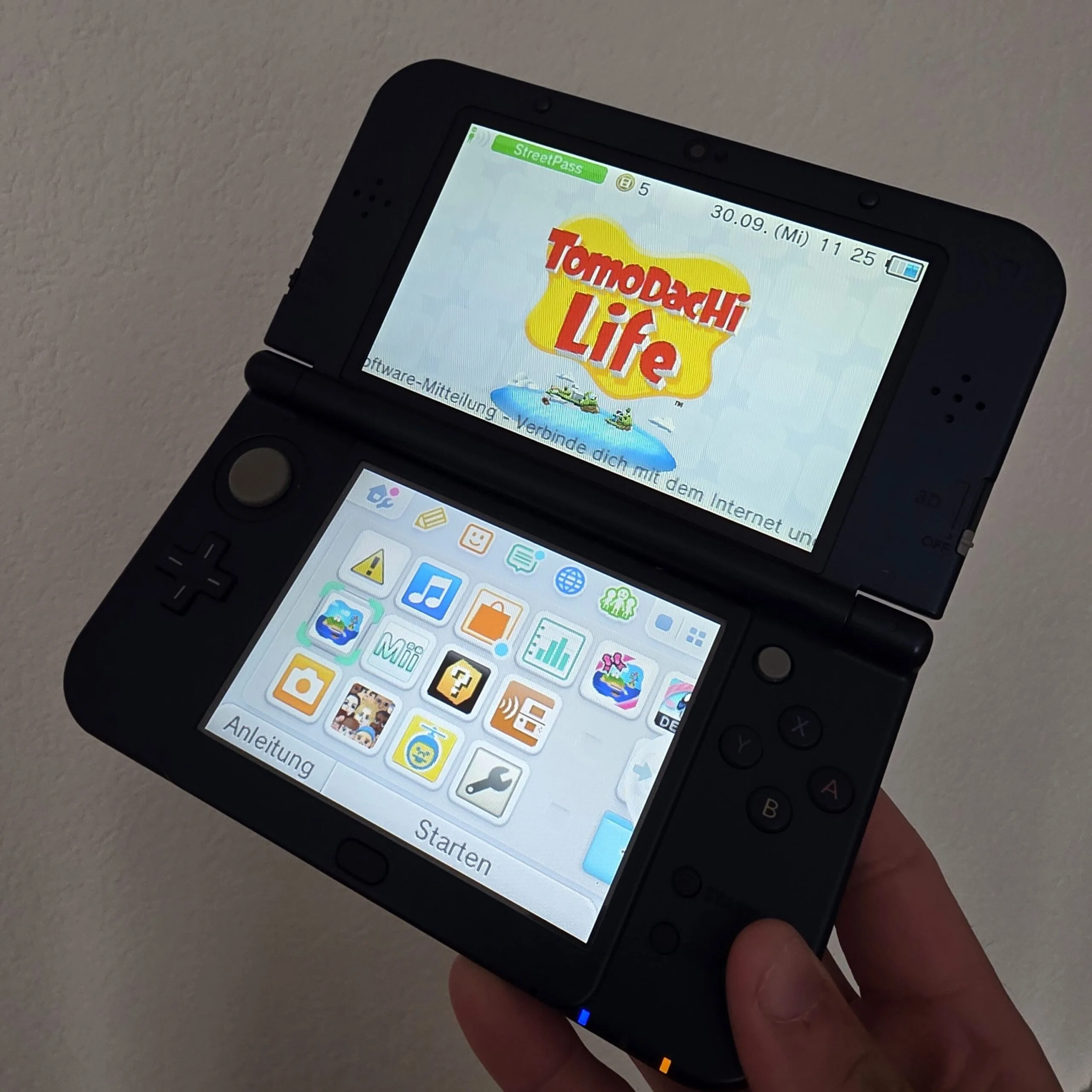
You have a New Nintendo 3DS in front of you and want to know whether it has an IPS or a TN display. You can find out yourself in two minutes, without opening anything. All you need is a bright screen and the right tilt.
Here you can read what IPS and TN mean, how the test works, what can skew the result and what really counts when you sell.
What IPS and TN mean on the New Nintendo 3DS
IPS and TN are two types of LCD display. An IPS display shows almost the same colours and brightness even from an angle. A TN display changes more as soon as you are not looking straight on, the picture fades or the colours shift.
On the New Nintendo 3DS and the New Nintendo 3DS XL, Nintendo used both types, depending on the unit. The top and bottom screens can differ, and neither the box nor the console tells you which one is inside.
How to do the test
- Push the 3D slider all the way down so the 3D effect is off.
- Open a bright, calm screen, for example the settings, and set the brightness to a medium level.
- Hold the 3DS straight in front of you. Then slowly tilt it forwards and backwards, with the top edge towards you and then away from you.
- If the colours and brightness stay almost the same, it is an IPS display. If the picture becomes clearly paler, darker or changes colour, it is a TN display.
- Do the same test with the bottom screen, because it can be a different type from the top one.
You see the difference most clearly when tilting forwards and backwards. Sideways, even TN displays change less.
What can skew the result
- Strong light. Sunlight or a bright lamp behind you reflects in the display. Do the test in a normally lit room.
- A dark or very colourful picture. On a bright, calm screen you see the difference much better than in the middle of a game.
- The 3D effect. With 3D switched on, the top picture changes when you tilt the console, whatever the display type. So push the slider all the way down first.
- A replaced display. If a display has already been swapped, the new one can be a different type from the original.
What really counts when you sell
To sell your 3DS to us, you do not need to know which display it has, the form does not ask. What counts is the model, the condition, whether everything works and the accessories.
- The displays. Lines, spots, dead pixels or a crack lower the price.
- The hinges. If the 3DS stays put in every position and does not wobble, that is a good sign.
- Buttons, sticks and touchscreen. Everything should respond properly, including the C-Stick and the ZL and ZR buttons.
- The accessories. Include the charger and the stylus if you still have them.
Sell or keep
If you want to sell your 3DS, you describe it on the Sell your retro console page in a few clicks, no photos needed, and see your price straight away. You get the free postage label from the Post, and after the check we pay you within 48 hours. We also buy a faulty 3DS. You sell your 3DS games with a separate request on the Sell games page.
If you want to keep it but it no longer recognises games, or only when you press on the card, we replace the card slot, as long as the 3DS has never been opened. More on the Game Boy and 3DS repair page.
Frequently asked questions
Does every New Nintendo 3DS have an IPS display?
No. On the New 3DS and the New 3DS XL, Nintendo fitted both IPS and TN displays, top and bottom independently. The tilt test shows you which one is inside.
Do I need to know which display my 3DS has to sell it?
No. In the form you choose the model, for example New 3DS XL, and state the condition, whether it works and the accessories. You see the price straight away.
Do you also buy a faulty 3DS?
Yes. In the form, choose Faulty under Condition and write in one sentence what does not work, for example that the top screen shows lines.
Where do I find the model number?
On the underside of the console. KTR stands for the New 3DS, RED for the New 3DS XL and JAN for the New 2DS XL.